🏷️
Semantic HTML
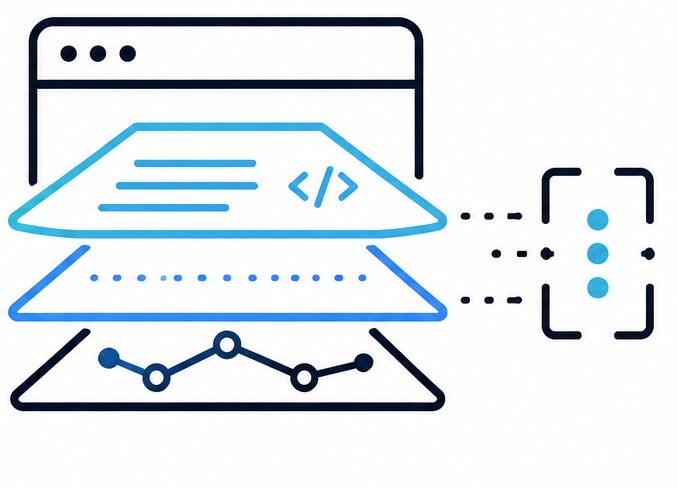
Extend standard HTML with data-wci-* attributes — roles, descriptions, state snapshots, and guards. No framework lock-in.
An open standard and TypeScript SDK that makes web pages natively readable and actionable for LLM-based agents — compact modular layers (~2–12 KB minified each).
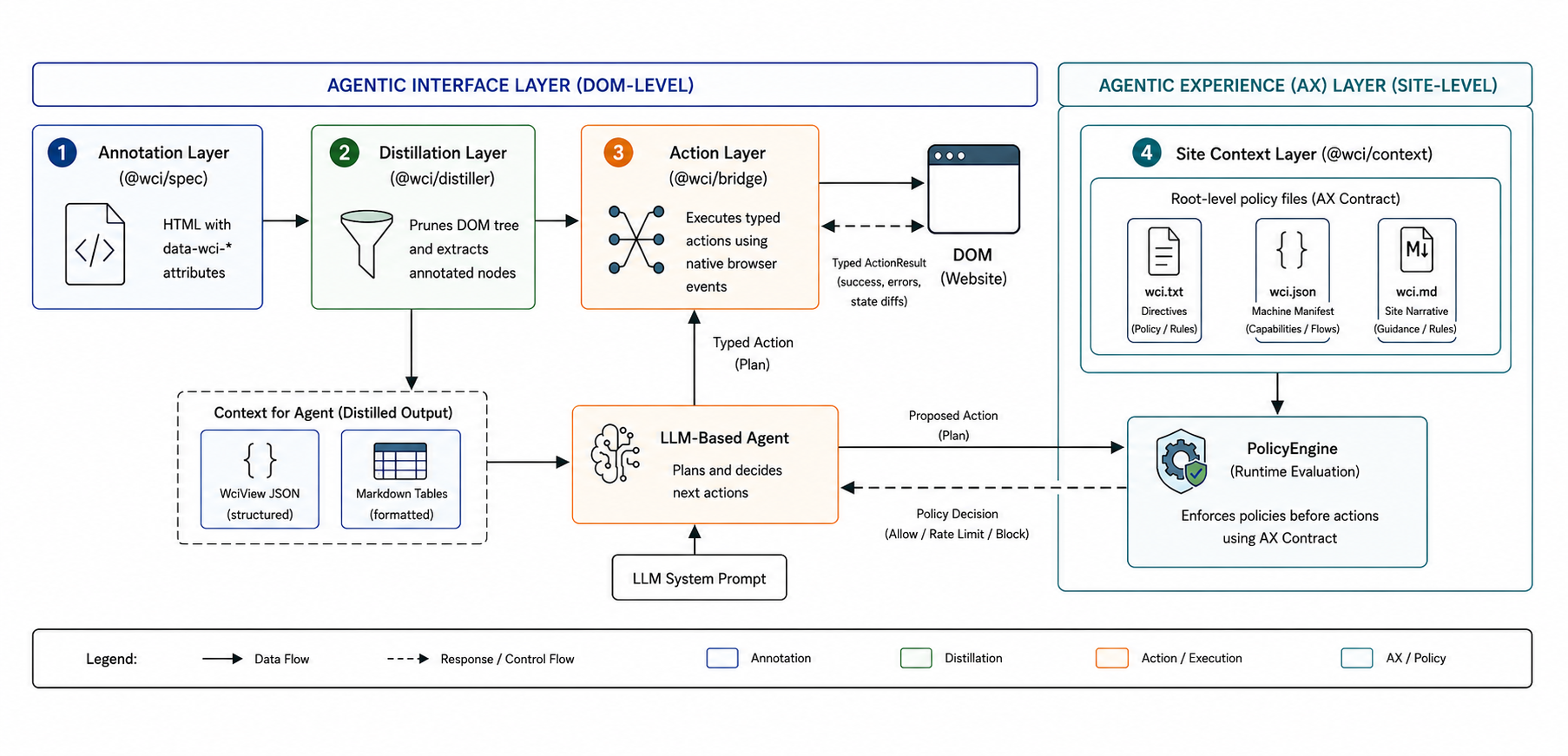
npm install @webcontextinterface/coreOr use individual packages: @webcontextinterface/spec, @webcontextinterface/distiller, @webcontextinterface/bridge, @webcontextinterface/context.
| File | Purpose |
|---|---|
/wci.txt | Allow/deny scopes, rate limits, authentication |
/wci.json | Structured manifest and task flows |
/wci.md | Narrative context for the LLM system prompt |
The official 50-scenario grounding benchmark is published on Zenodo (CC BY 4.0):
scenarios.zipEach scenario includes raw HTML, DOM outline, interactive candidates, WCI full, and WCI grounding representations. The in-repo copy lives under demo/scenarios/. See the Benchmark overview for methodology; full commands and analysis are in evals/README.md.
Handmade (5) — rich, hand-authored DOM preserved on disk: flight booking, banking, checkout, dashboard, and social media (flight-booking, banking, checkout, admin-dashboard, social-feed). The other 45 scenarios are synthetic layouts generated from domain templates.
A shared NotebookLM notebook is a good way to introduce WCI — audio overviews, briefings, and Q&A grounded in the paper, specification, and benchmark materials. Viewers need a Google account to open the notebook.
Local development
Run npm run demo for the demo on port 5173, or npm run website:build then npm run website:preview for the combined static site (docs + demo at /demo/). Browse all 50 benchmark scenarios (raw and annotated HTML with interactive data-wci-* tooltips) at /demo/scenarios.html.